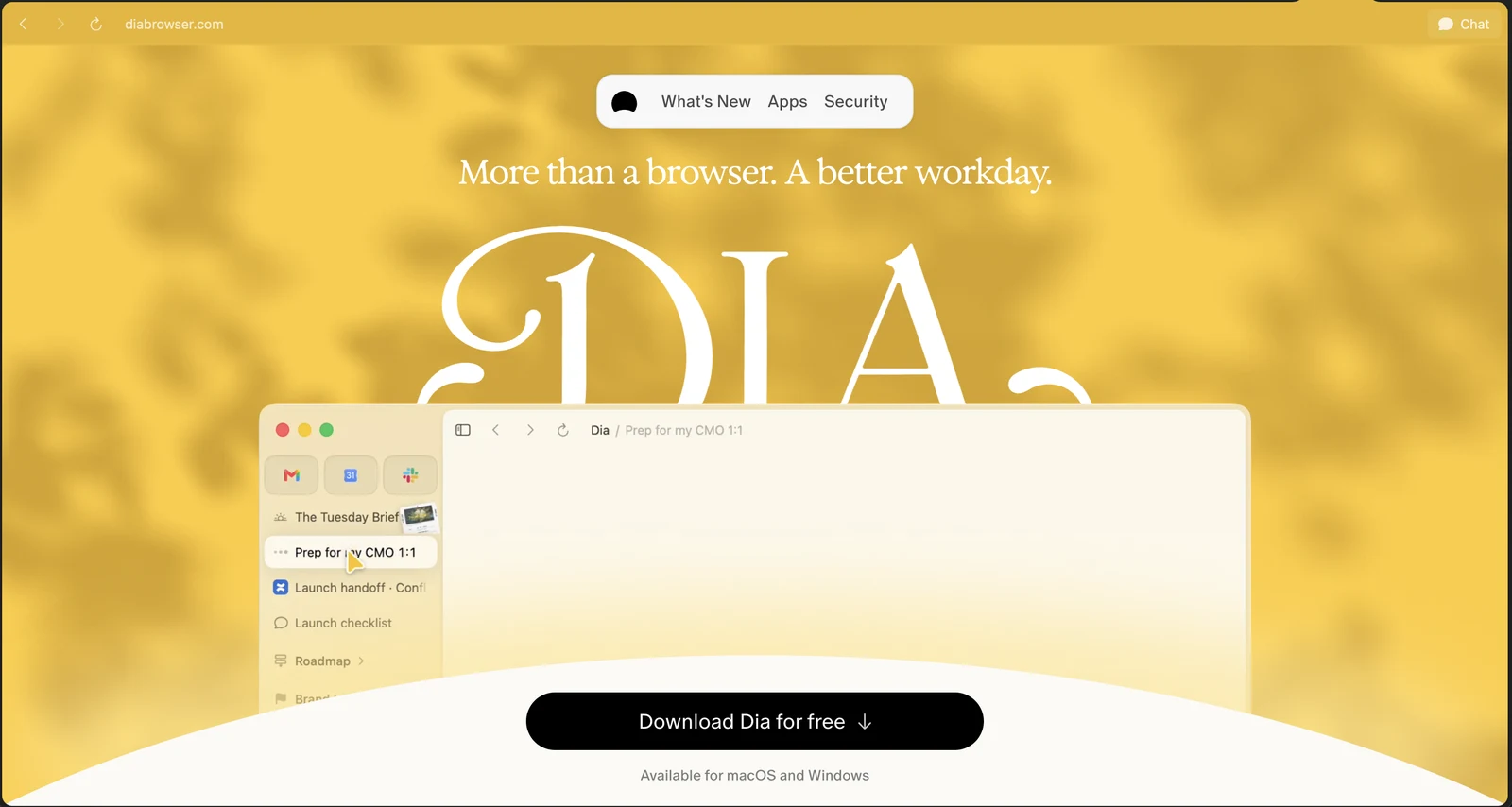
Two years ago, I wrote about why I left Chrome for Arc.
Back then, I had been using Arc for just three months, and I was already convinced it was the future of browsing. The beautiful sidebar, workspaces, organized tabs, and all those little details made browsing feel completely different from Chrome.
And I loved it ❤️
Arc quickly became part of my daily workflow. Whether I was coding, reading documentation, checking GitHub, or just scrolling through LinkedIn, it was always there.
As a software engineer, my browser is basically my second home after my code editor. So having a browser that actually made things easier was a pretty big deal.
I genuinely thought I'd keep using Arc for years.
Well, things don't always go as expected, haha.
A farewell to Arc 🥲
In May 2025, The Browser Company announced that it would no longer actively develop new features for Arc. Instead, the team was shifting its focus to a new AI-powered browser called Dia.
At first, I wasn't too worried. Arc would still work and receive security updates and bug fixes.
But on October 22, 2026, another announcement appeared.
And this time, it was the actual goodbye.
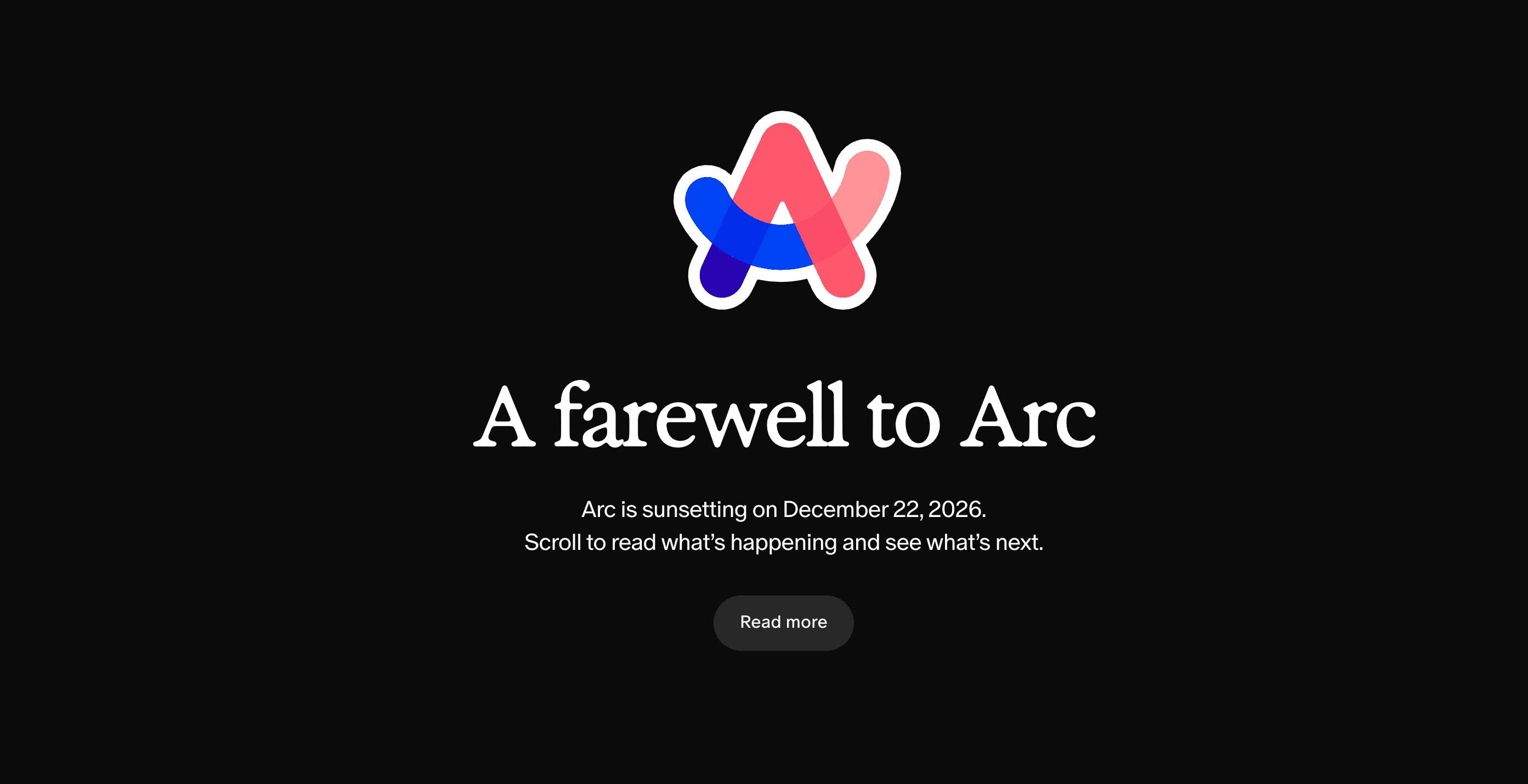
A farewell to Arc. After two years, it's time to say goodbye to my favorite browser.
Arc will officially shut down on December 22, 2026.
Not just stop receiving updates. The desktop browser will actually stop working on macOS and Windows.
You can read the official farewell announcement for more details.
Man, that was sad to read.
I know it's just a browser, haha. But when you spend hours using something every day, it becomes more than just another application.
Arc genuinely changed the way I use the internet.
But technology keeps evolving, and the team behind Arc has been working on something new.
So naturally, I had to give it a try.
Hello, Dia! 👋
Meet Dia, the next chapter from The Browser Company.
Their tagline says it pretty well:
More than a browser. A better workday.
At first, my reaction was simple.
Another AI browser? Really?
We already have ChatGPT, Claude, Gemini, and so many other AI tools available. I use them almost every day, especially for programming.
So I wondered: Do I really need AI inside my browser too?
But after spending some time with Dia, I started to understand what the team was trying to build.
Arc changed how we organize and navigate the web.
Dia wants to change how we interact with the content we're browsing.
And honestly, in a world where AI is becoming part of almost everything we do, that direction makes sense.
Dia is also available on both macOS and Windows, which is nice.
But enough about the concept. Let me show you what actually caught my attention.
The coolest part: Dia understands what you're looking at
This is probably the feature that impressed me the most.
There's a Chat button in the top-right corner. Click it, and an AI assistant opens right beside your current webpage.
Sounds pretty normal, right?
But here's the interesting part.
Dia already has the context of the page you're looking at.
You don't need to copy the URL, paste an entire article, or explain what you're reading.
There are also quick actions like Explain, Analyze, and Summarize. You can even capture a specific part of your screen and ask questions about it.
Let me give you a real example.
I was scrolling through LinkedIn when I saw Kaveesha's post about a 2D endless runner game built using HTML, CSS, and Canvas.
Pretty cool project, especially from a developer's perspective.
I wanted to leave a comment, but I didn't want to just say "Nice work!" like I usually do, haha.
So I opened Dia's Chat panel and typed:
"What should I say to Kaveesha?"
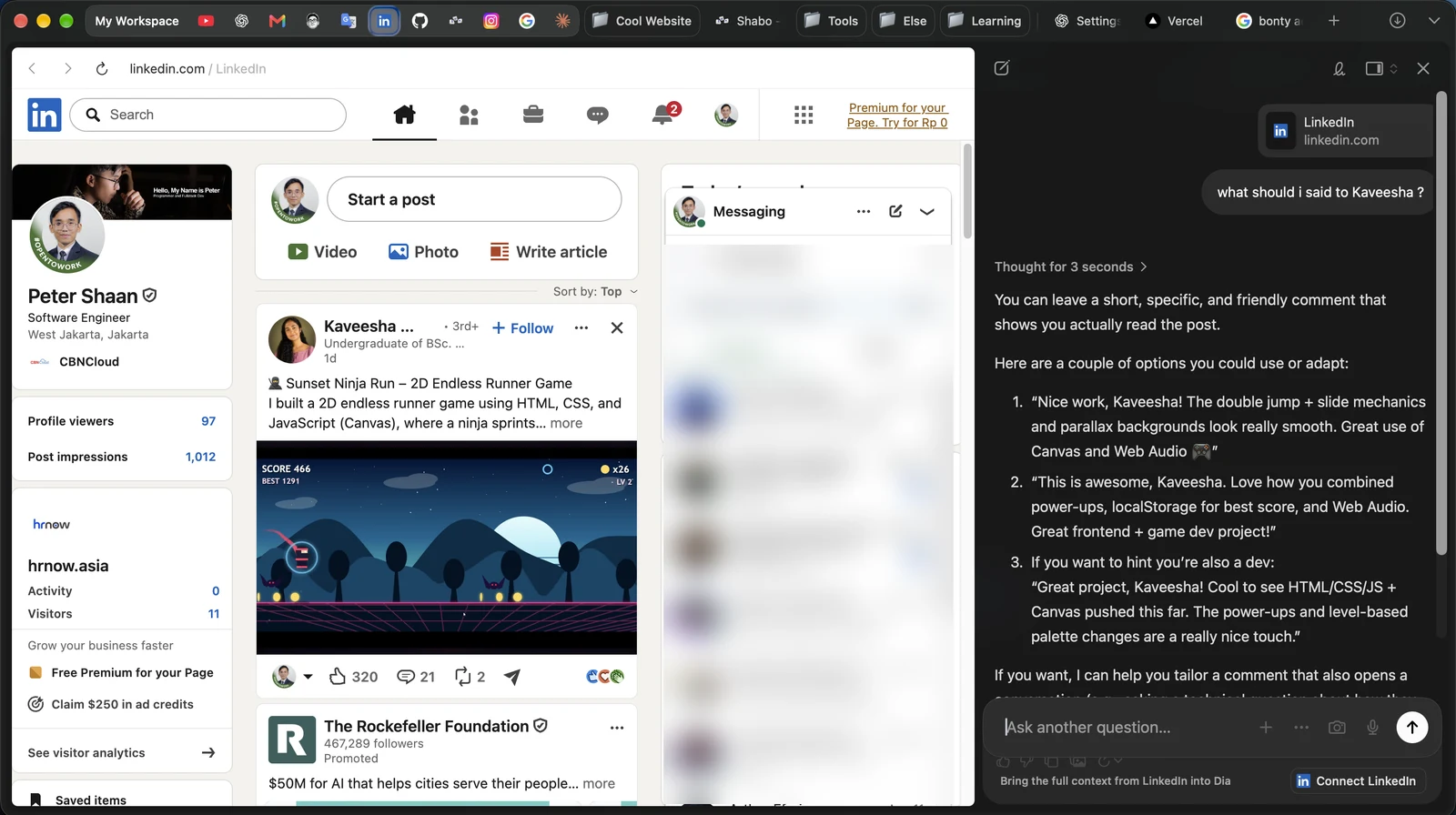
Dia suggesting LinkedIn comments based on the actual post I was reading.
And just like that, Dia generated several suggestions.
What surprised me was how specific they were.
It picked up details about the game's double-jump and slide mechanics, parallax backgrounds, Canvas, and Web Audio. Some suggestions even sounded like they were coming from a fellow developer.
Now, generating a LinkedIn comment isn't exactly groundbreaking technology.
That's not what impressed me.
What impressed me was that I didn't have to explain the context.
The browser already had the information it needed.
It's a small example, but it shows why having AI directly integrated into a browser could actually be useful.
Every new tab is an AI conversation
Another interesting thing about Dia is what happens when you open a new tab.
Normally, a browser gives you a search bar, a few shortcuts, or maybe a nice wallpaper.
Dia gives you an "Ask anything..." prompt.
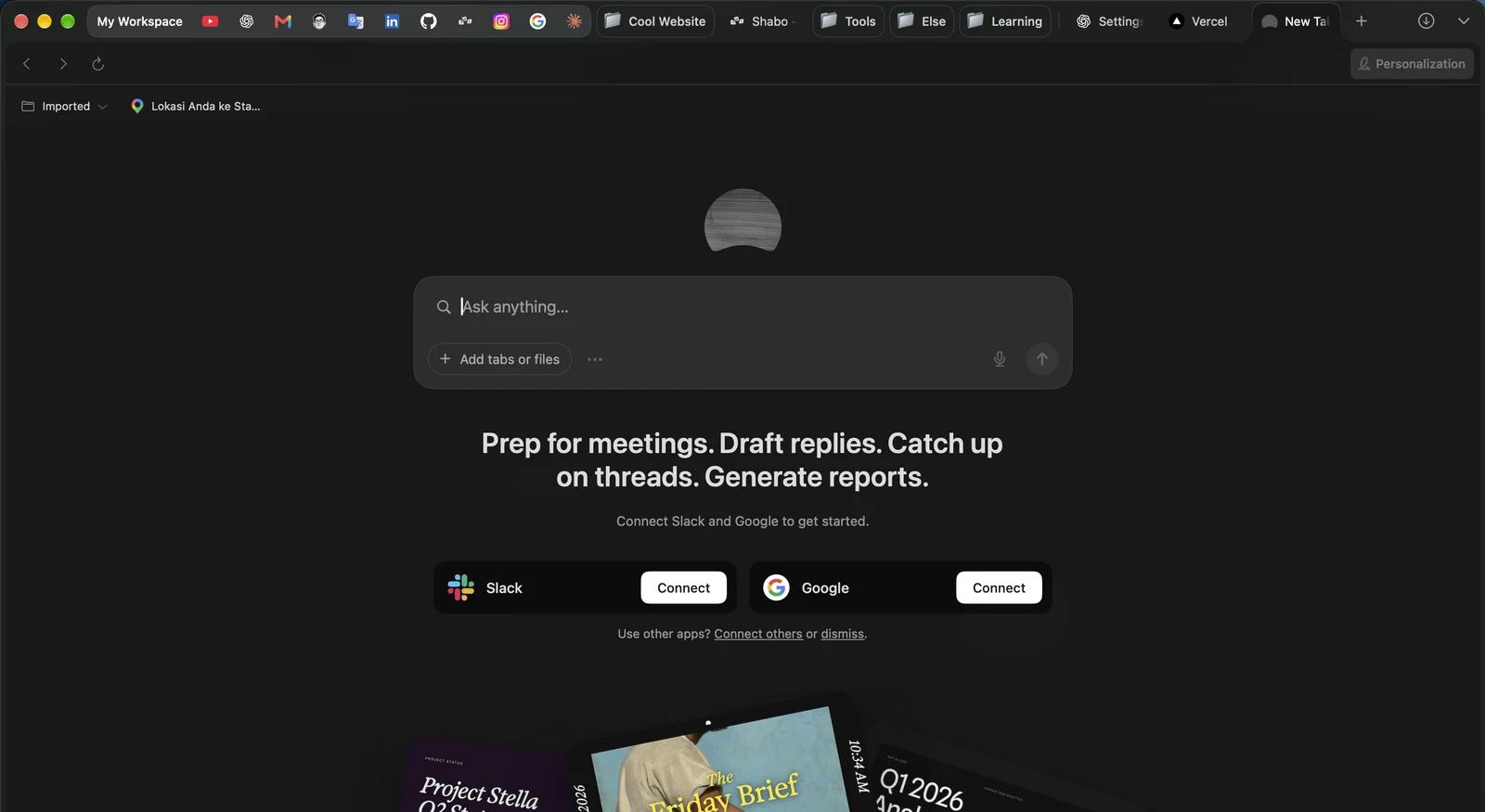
Instead of deciding which website to open, you can simply start with a question.
You can attach tabs, upload files, or even use your microphone to talk directly to Dia.
Of course, I still use ChatGPT and Claude for more complicated tasks, especially coding and technical problem-solving.
I don't see Dia replacing those tools.
But for quick questions related to whatever I'm currently browsing, having an AI assistant right there is surprisingly convenient.
It's not about replacing AI tools. It's about having AI available exactly where you need it.
Flexible tabs here we come
One thing I really love about Dia is that I can easily switch between vertical and horizontal tabs.
I loved Arc's sidebar, but sometimes it takes up too much space, especially when I'm working on websites that need a wider view.
With Dia, I can move my tabs to the top, just like Chrome, and enjoy a cleaner, wider browsing experience.
And whenever I miss the sidebar, I can simply switch it back. No problem, haha.
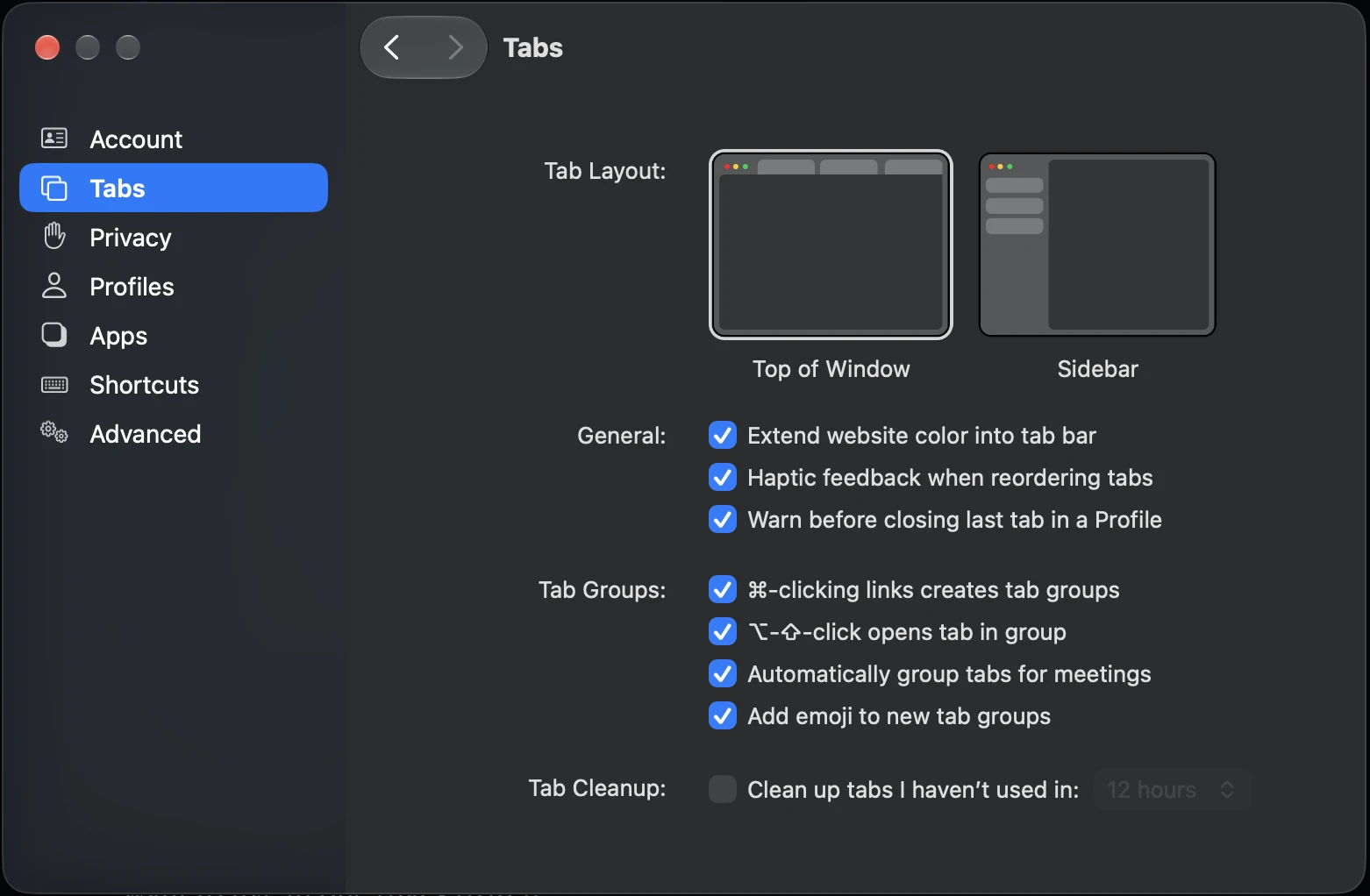
Sidebar or top tabs? Dia lets me choose depending on how I want to browse.
Beyond AI and tab customization, Dia also pays attention to those small details that make a browser enjoyable to use.
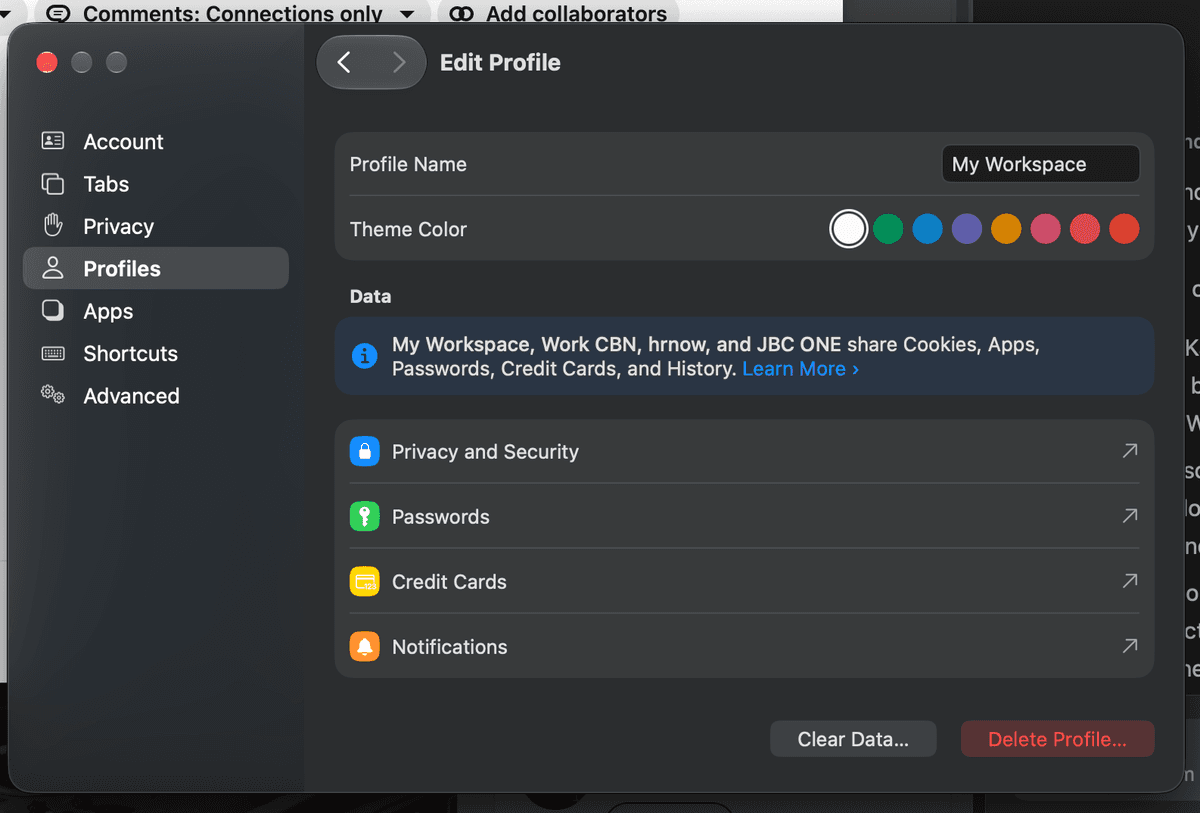
Profile customization
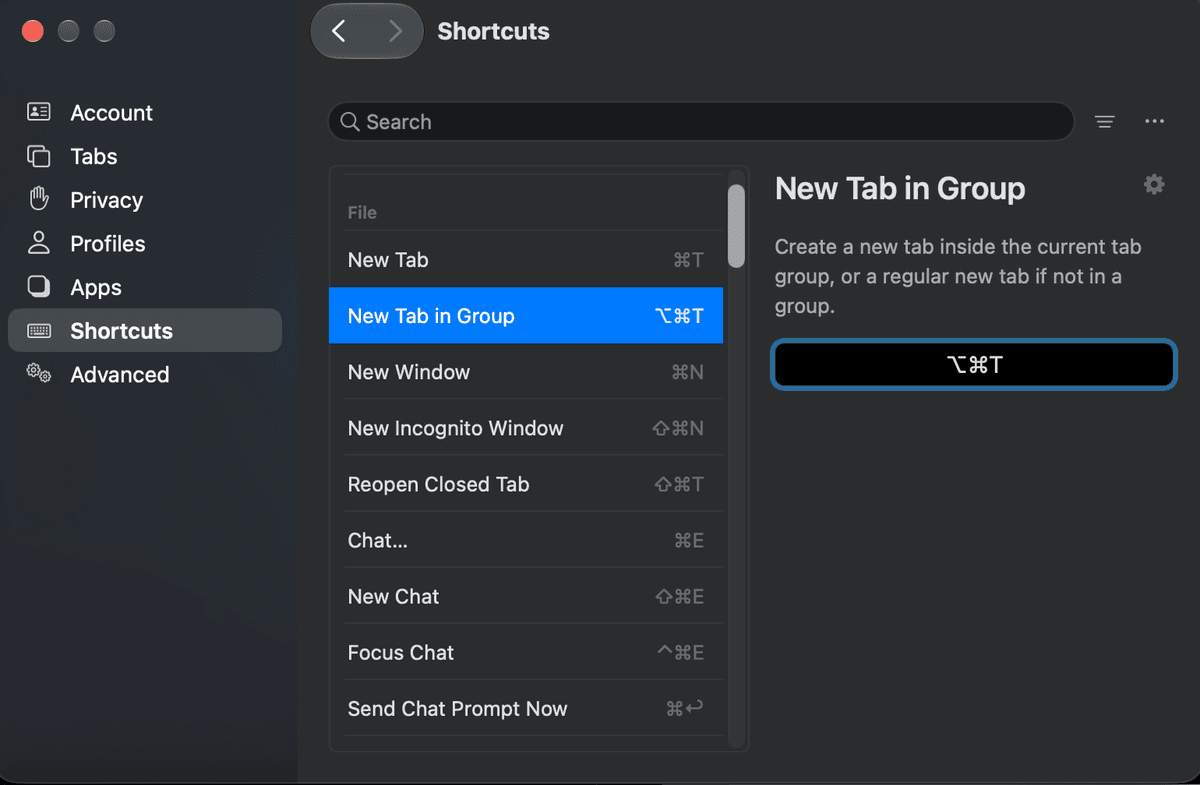
Keyboard shortcuts
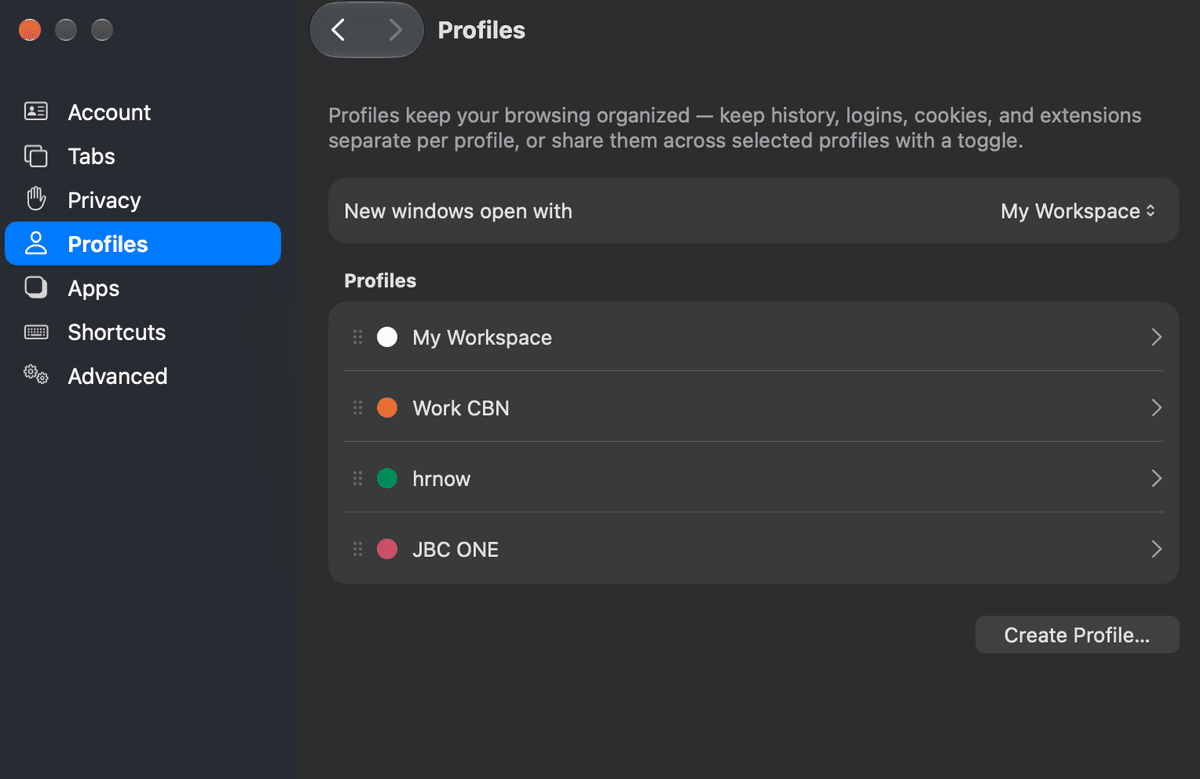
Multiple profiles
I can create different profiles for work, personal browsing, and side projects, customize their appearance, and manage keyboard shortcuts.
And every profile can have their own pin, this is different when im using arc, I appreciate having these options.
Nothing groundbreaking, but these little things remind me of what made Arc special in the first place.
More Feature
And apparently, there's still a lot more I haven't explored yet.
Dia also offers features like Google Calendar scheduling, custom AI Skills, Morning Brief and proactive suggestions, and even AI-generated reports.
I'm especially curious about the scheduling features and how Dia connects with apps like Slack, Gmail, and Google Calendar.
I haven't had the chance to try everything yet, but that's what makes it exciting. There's still so much to discover, haha.
If you're curious too, check out Dia's product updates to see what else they've been building.